
OFFICIAL RELEASE ARCHIVE
Shizuku Old Versions: Download Previous APK Releases
Looking for a Shizuku APK old version? This curated Shizuku archive lists verified previous releases with their dates, key changes, and direct APK files. The latest release is best for most phones, but an older build can help when a device-specific update, Android version, or companion app requires it.
Before you download an older Shizuku version
Use the newest compatible release unless you have a clear reason to downgrade. Old builds may miss compatibility, translation, and reliability improvements. Every APK listed below is version-checked, scanned with VirusTotal, and tested on compatible devices by ShizukuHub before it is provided for download.
Download Shizuku old versions
Choose a previous version below. Release notes summarize the main reason each build mattered, while every button starts the selected APK download directly.
MARCH 10, 2024 · 3.3 MB
Shizuku v13.5.4 APK
Added compatibility for Android 14 QPR3 Beta 2. A useful Android 14-era fallback when a newer build causes a confirmed device-specific issue.
NOVEMBER 25, 2023 · 3.3 MB
Shizuku v13.5.3 APK
Introduced Android 14 QPR2 support. Consider this Shizuku previous version only when your setup specifically depends on its Android 14 behavior.
VERSION 13.5.1 · 3.3 MB
Shizuku v13.5.1 APK
Fixed addUserService and rish issues, refreshed translations, added predictive-back support, and removed the LEANBACK launcher entry.
VERSION 13.5.0 · 3.3 MB
Shizuku v13.5.0 APK
An earlier 13.5 branch build with rish and user-service changes plus predictive-back support. Use it only for targeted compatibility testing.
APRIL 8, 2023 · 3.3 MB
Shizuku v13.3.0 APK
Fixed problems on devices running Android versions earlier than 8.0 and included translation updates.
FEBRUARY 3, 2023 · 3.4 MB
Shizuku v13.2.1 APK
Fixed a RequestPermissionActivity delay and an Arabic-language crash. It is preserved here for app and device regression testing.
FEBRUARY 2, 2023 · 3.4 MB
Shizuku v13.2.0 APK
Resolved compatibility for apps using Shizuku API versions earlier than v11. Prefer newer releases unless an older companion app requires this branch.
FEBRUARY 1, 2023 · 3.4 MB
Shizuku v13.0.0 APK
Fixed transactRemote authorization, rish on Android 8.x, and several translations. This milestone is mainly useful for controlled legacy testing.
Shizuku version history at a glance
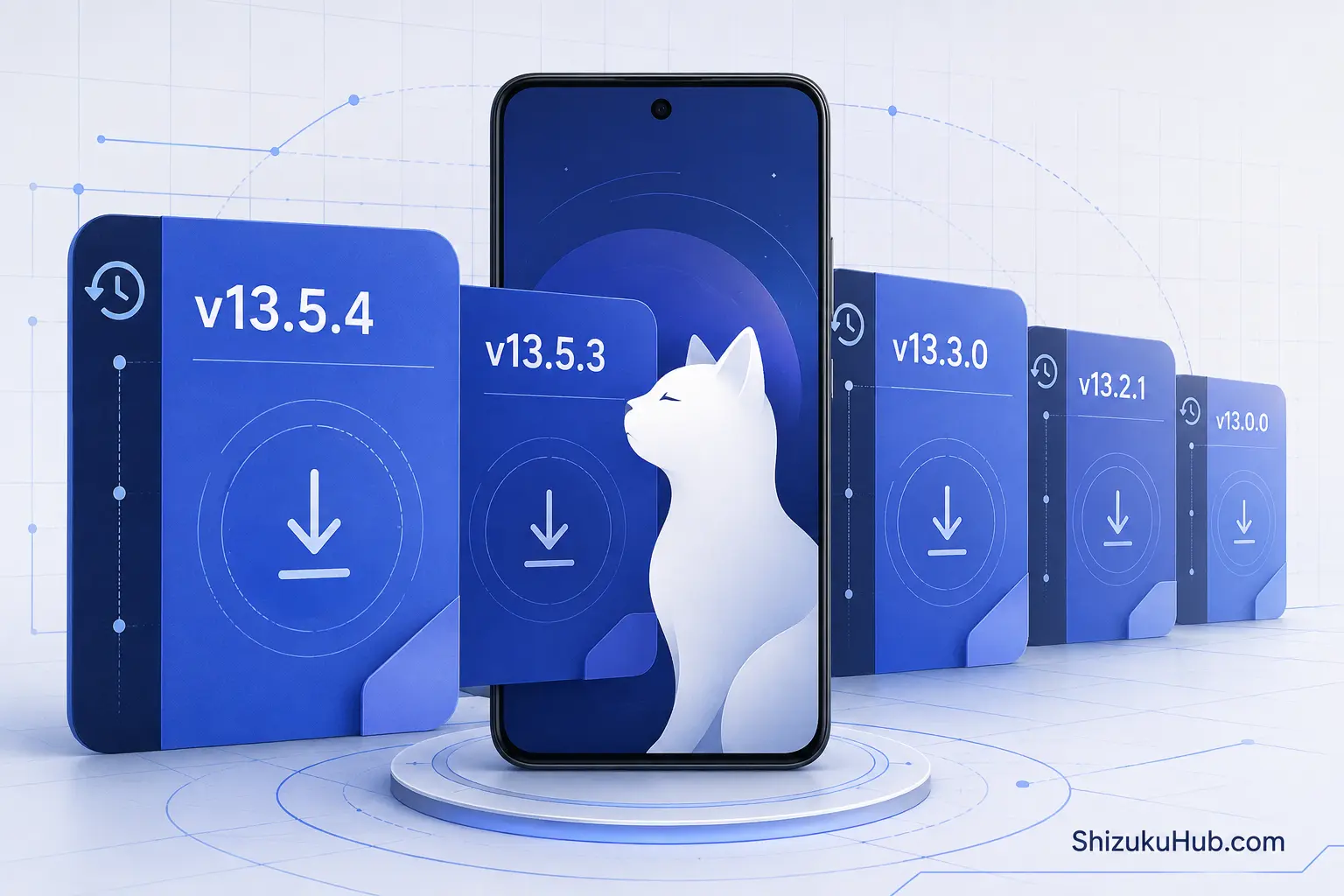
The 13.x line improved Android 14 support, older-Android reliability, API compatibility, permission handling, and rish behavior over time. A lower version number is not automatically faster, safer, or more compatible.
Which old Shizuku version should you choose?
- Start with the latest release: it normally offers the broadest compatibility and newest fixes.
- Android 14-era fallback: v13.5.4 specifically added Android 14 QPR3 Beta 2 compatibility.
- Older Android testing: v13.3.0 addressed problems below Android 8.0.
- Legacy app compatibility: v13.2.0 targeted apps using pre-v11 Shizuku APIs.
If you cannot name the regression you are avoiding, download the latest Shizuku APK instead of guessing.
How to downgrade Shizuku safely
- Confirm the version you currently use and note which apps are authorized.
- Stop the Shizuku service before changing the installed app.
- Download the required APK directly from this page.
- Try installing it. Android may block a version downgrade over a newer build.
- If uninstalling is required, remember that app data and authorizations may be removed.
- Install the archived APK, start Shizuku again, and reauthorize supported apps.
Use only the version you intentionally selected, then restart Shizuku and confirm that your required apps work correctly.
Old Shizuku APK vs latest version
| Check | Old version | Latest version |
|---|---|---|
| Best use | Known regression or legacy testing | Normal daily use |
| Compatibility | May suit a specific older setup | Usually supports current Android changes |
| Fixes | Stops at its release date | Includes newer reliability improvements |
| Recommendation | Use only with a clear reason | Preferred for most users |
Can an old version fix pairing or Android/data problems?
Sometimes a previous build can avoid a newly introduced regression, but many pairing, wireless debugging, Android/data, and background-service problems come from Android or manufacturer restrictions. Downgrading does not bypass every system limitation. First follow the fixes in our Shizuku wireless debugging instructions, pair again on the same Wi-Fi network, stop battery optimization for Shizuku, and verify that the app listed in our Shizuku supported apps list still has permission. Use a Shizuku older version download only when a release-specific problem is documented or reproducible.
Safety checks before installing an archived APK
- Check that the filename contains the expected Shizuku version and release build.
- Each APK is scanned before it is provided. VirusTotal explains its multi-engine scanning process, which uses more than 70 antivirus scanners and additional analysis tools.
- Do not enter passwords, payment details, or unrelated permissions into an APK installer.
- Return to the latest version after testing if the old build does not solve the issue.
Shizuku old versions FAQ
Need Shizuku for everyday use?
Get the latest tested build from ShizukuHub and follow the complete setup guide for wireless debugging, ADB, or root.