ANDROID ACCESS • SHELL SERVICE • DEVICE OWNER
Shizuku vs Dhizuku: Which One Should You Use?
Shizuku and Dhizuku both let compatible Android apps perform advanced tasks without conventional root, but they expose completely different Android privilege models. This comparison explains their setup, persistence, app support, limitations, safety, and ideal use cases.
Shizuku vs Dhizuku: the short answer
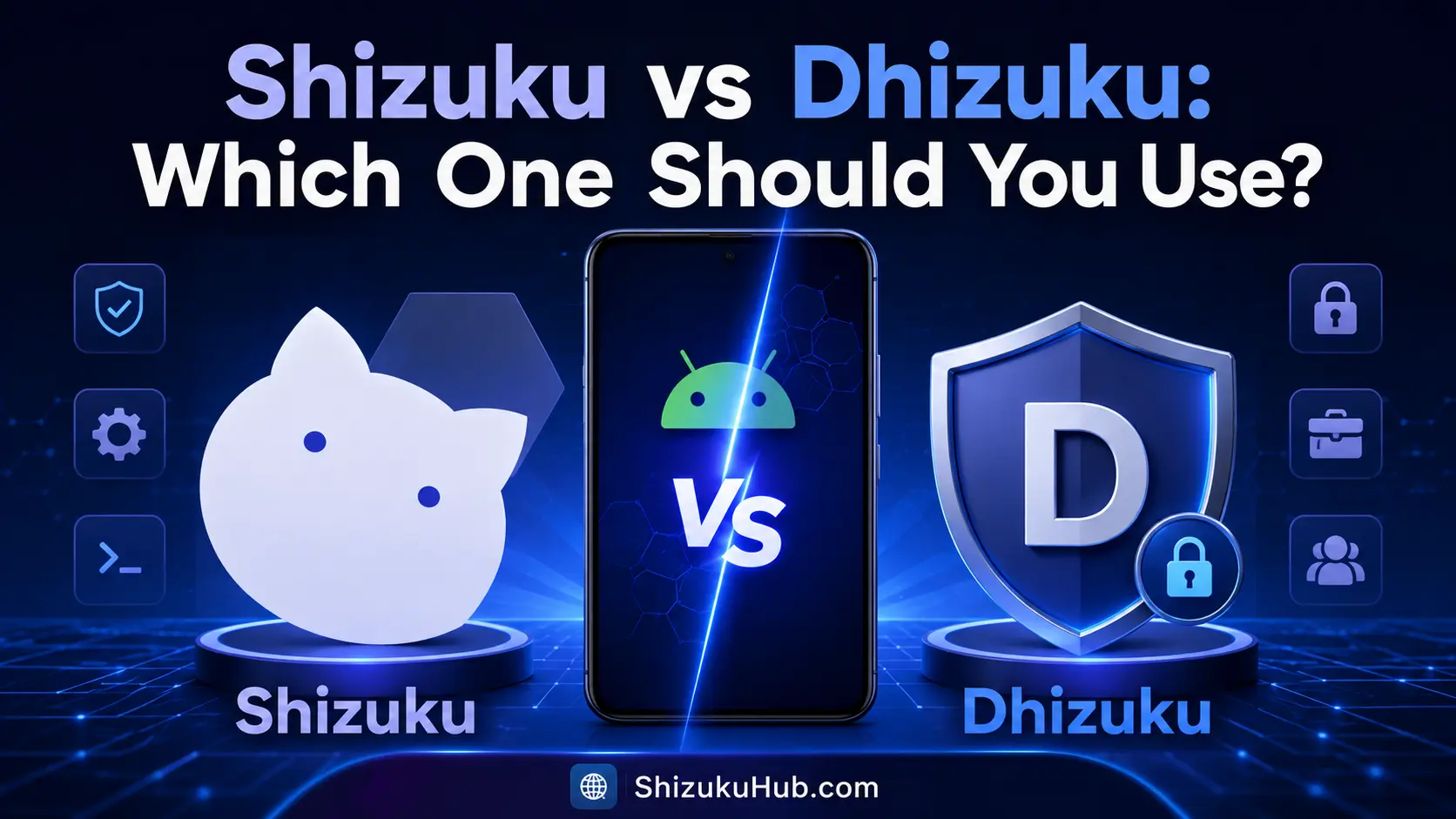
Choose Shizuku for ADB shell-level tasks. It is the broader choice for debloating, package management, supported permission operations, shell commands, protected file workflows, and many utility apps. Its ADB-started service usually needs to be started again after reboot.
Choose Dhizuku for Android Device Owner policies. It shares selected device-management capabilities with apps built for the Dhizuku API. Once correctly provisioned as Device Owner, its role persists across reboots, but activation is more restrictive and may require removing accounts or preparing a clean device.
Neither option is universal root. They are complementary tools with different APIs, and an app must explicitly support the service you want to use.
How Shizuku works
Shizuku starts a service with Android shell privileges through wireless debugging or computer ADB. On rooted phones it can also start with root. Compatible apps request authorization and call Android services through the Shizuku API.
ADB-mode Shizuku is useful because the shell user can perform more operations than an ordinary app without bootloader unlocking. Android, SELinux, the manufacturer, and the requested command still define its limits. See the complete Shizuku without root setup.
How Dhizuku works
Dhizuku is provisioned as Android’s Device Owner and shares Device Policy Manager capabilities with compatible apps through its API. Device Owner is an enterprise-management role designed for fully managed devices, not a general shell or superuser account.
Because the role belongs to Android’s management framework, it can remain active after reboot. Provisioning rules are strict: existing accounts and an already configured device can block activation, and removing Device Owner later may require careful deactivation or a reset depending on the state.
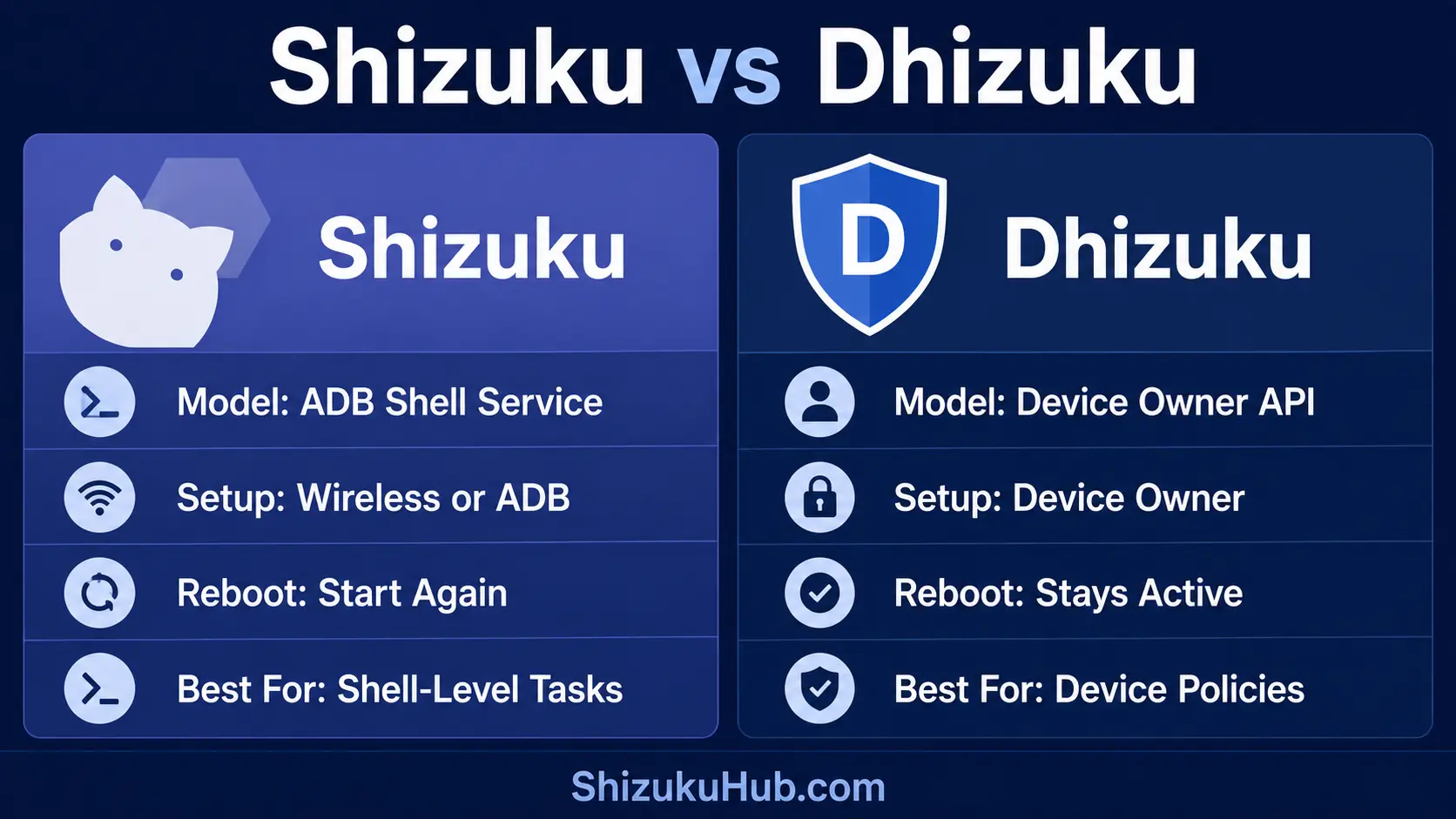
Shizuku vs Dhizuku comparison table
| Area | Shizuku | Dhizuku |
|---|---|---|
| Android model | ADB shell or root-backed service | Device Owner and Device Policy APIs |
| Primary setup | Wireless debugging, computer ADB, or root | Device Owner provisioning |
| After reboot | ADB mode must start again | Device Owner role persists |
| Existing accounts | No removal required | Accounts can block provisioning |
| Shell commands | Supported through apps or rish | Not its purpose |
| Device policies | Only where shell/system APIs permit | Core capability through DevicePolicyManager |
| Compatible apps | Larger Shizuku ecosystem | Apps built for Dhizuku API |
| Bootloader unlock | Not needed for ADB mode | Not normally needed |
| Root required | No | No |
| Best fit | ADB-level utilities and shell workflows | Persistent device-management policies |
Setup and activation differences
Shizuku setup
Android 11 and newer can start Shizuku directly on the phone through wireless debugging. Android 10 and below can use computer ADB. Pairing is normally a one-time task, but the service must start again after each reboot.
Dhizuku setup
Dhizuku must become the Device Owner. Android reserves this powerful management role for provisioning a managed device, so activation is not equivalent to granting a normal permission. The Dhizuku project recommends setting up without accounts; a device that is already in everyday use may require account removal or a clean setup before the Device Owner command succeeds.
Google’s Android Enterprise Device Policy Controller documentation explains the management model behind Device Owner apps. This persistent role is why Dhizuku can apply policies after reboot, but it also makes setup and removal more consequential than starting a temporary Shizuku service.
Package and App Tasks
Shizuku is commonly the better fit for debloating, package listing, installing split APKs, freezing apps, and granting supported ADB permissions through compatible utilities.
Managed Restrictions
Dhizuku fits apps that use Device Owner policies for restrictions, managed settings, app suspension, or other DevicePolicyManager operations exposed by Android.
Terminal and Automation
Shizuku supports shell-oriented workflows, including Termux with rish. Dhizuku does not provide a general ADB shell for arbitrary commands.
Which one should you use?
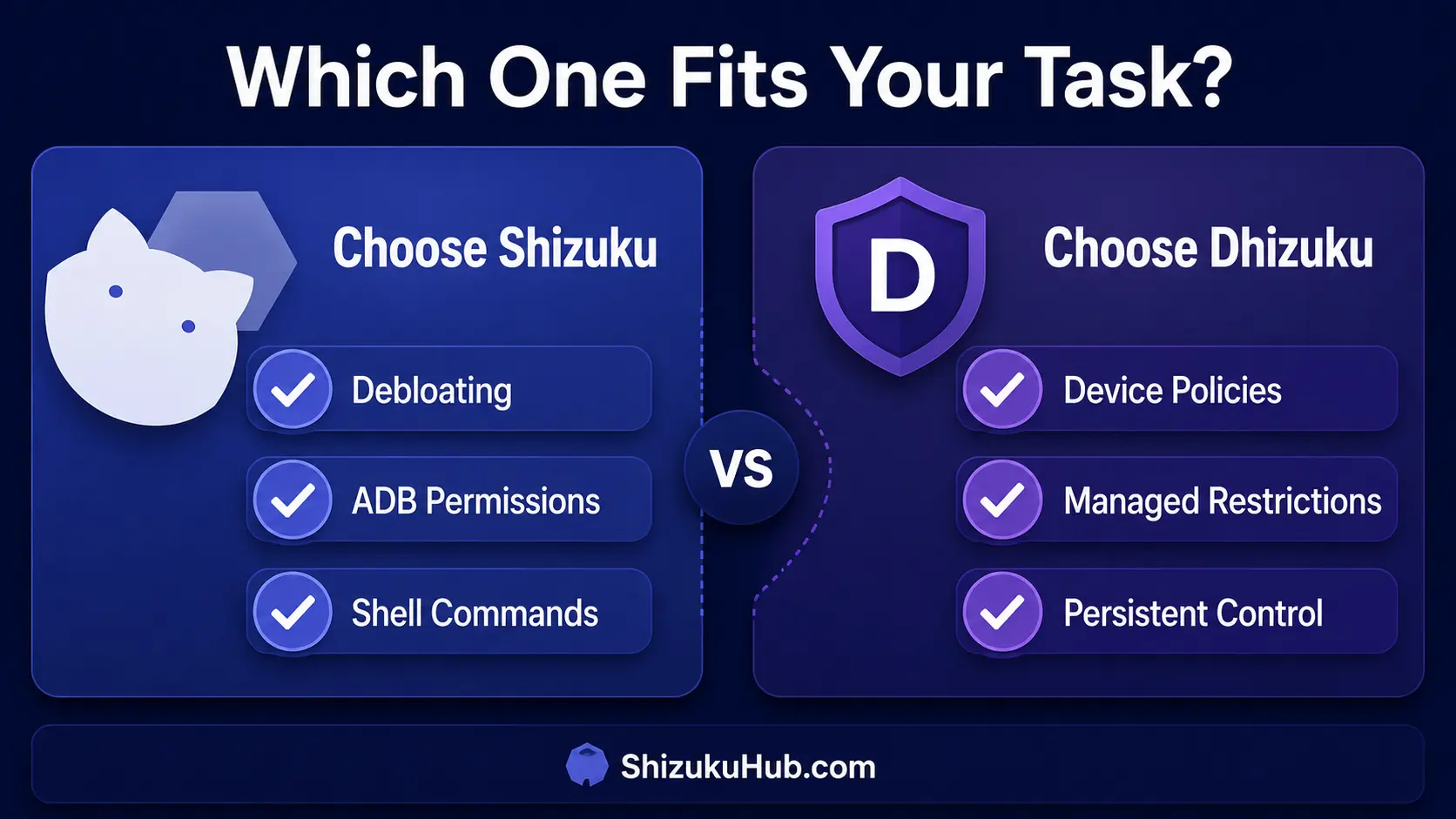
Choose Shizuku when:
- Your app explicitly supports Shizuku.
- You need package management, ADB permissions, shell commands, or file operations.
- You want to keep existing accounts and avoid Device Owner provisioning.
- You accept starting the service again after reboot.
- You want the larger ecosystem shown in our Shizuku supported apps list.
Choose Dhizuku when:
- Your app explicitly supports Dhizuku and needs Device Owner APIs.
- You need persistent device policies rather than shell commands.
- You can meet Android’s provisioning requirements.
- You understand how to remove the Device Owner role before changing or uninstalling the management app.
If the same app supports both, choose the backend recommended for the exact feature. Device Owner is not automatically stronger than shell, and shell is not automatically better than Device Owner. Each Android API exposes a different set of capabilities.
Shizuku safety
Only authorize apps you trust. A Shizuku-approved app can perform meaningful shell-level actions even though it is not root. Review app requests, revoke unused access, and understand package or settings changes before confirming them. Our permission explanation covers this boundary.
Dhizuku safety
Device Owner can enforce significant policies and restrictions. Use compatible apps from sources you trust, understand every policy, and plan deactivation before removing Dhizuku. A careless policy can limit settings or app behavior even without root.
Shizuku vs Dhizuku feature comparison
The better option depends on the Android capability an app needs. These practical comparisons show where each service is stronger instead of treating either one as universal root.
Shell Commands
Shizuku: Compatible apps and rish can run operations with ADB shell-level access.
Dhizuku: It is not a general command shell and does not replace ADB.
Best choice: Shizuku
Package Management
Shizuku: Broad support for package listing, debloating, split APK installation, freezing, and supported permission tasks.
Dhizuku: Package actions depend on Device Policy APIs and explicit app support.
Best choice: Shizuku
Device Owner Policies
Shizuku: Shell privileges do not make it Android’s Device Owner.
Dhizuku: Shares supported DevicePolicyManager capabilities with compatible apps.
Best choice: Dhizuku
App Freezing and Restrictions
Shizuku: Utilities can disable or suspend packages where shell APIs allow it.
Dhizuku: Better suited to persistent managed restrictions when the supporting app uses Device Owner policies.
Best choice: Depends on the app and policy
Reboot Persistence
Shizuku: ADB mode must be started again after a reboot. Root mode can start differently.
Dhizuku: The Device Owner role persists after reboot once correctly provisioned.
Best choice: Dhizuku
Setup Convenience
Shizuku: Wireless debugging on Android 11+ usually keeps existing accounts and data intact.
Dhizuku: Device Owner provisioning is stricter and existing accounts can block activation.
Best choice: Shizuku
Supported App Ecosystem
Shizuku: Supported by a wider range of file tools, package managers, terminals, installers, and Android utilities.
Dhizuku: A smaller ecosystem focused on apps designed for its Device Owner API.
Best choice: Shizuku
Root and Bootloader
Shizuku: ADB mode needs neither root nor an unlocked bootloader.
Dhizuku: Normally needs neither root nor bootloader unlocking, but it must hold Device Owner.
Result: Both work without root
Permission Control and Removal
Shizuku: Per-app authorization is easy to review and revoke inside Shizuku.
Dhizuku: Device Owner removal requires more care because policies can remain consequential until deactivated.
Best for easy control: Shizuku
Frequently asked questions
Use the access model your app supports
For package management, ADB permissions, and shell workflows, start with Shizuku and authorize only trusted apps.