ANDROID SECURITY • PERMISSIONS • PRIVACY
Is Shizuku Safe? Permissions and Security Explained
Shizuku is generally safe when you install a verified APK, understand its privilege level, and authorize only trusted companion apps. This guide explains what Shizuku can access, what it cannot do, how its permissions work, and the practical steps that keep your Android device secure.
Is Shizuku safe? The short answer
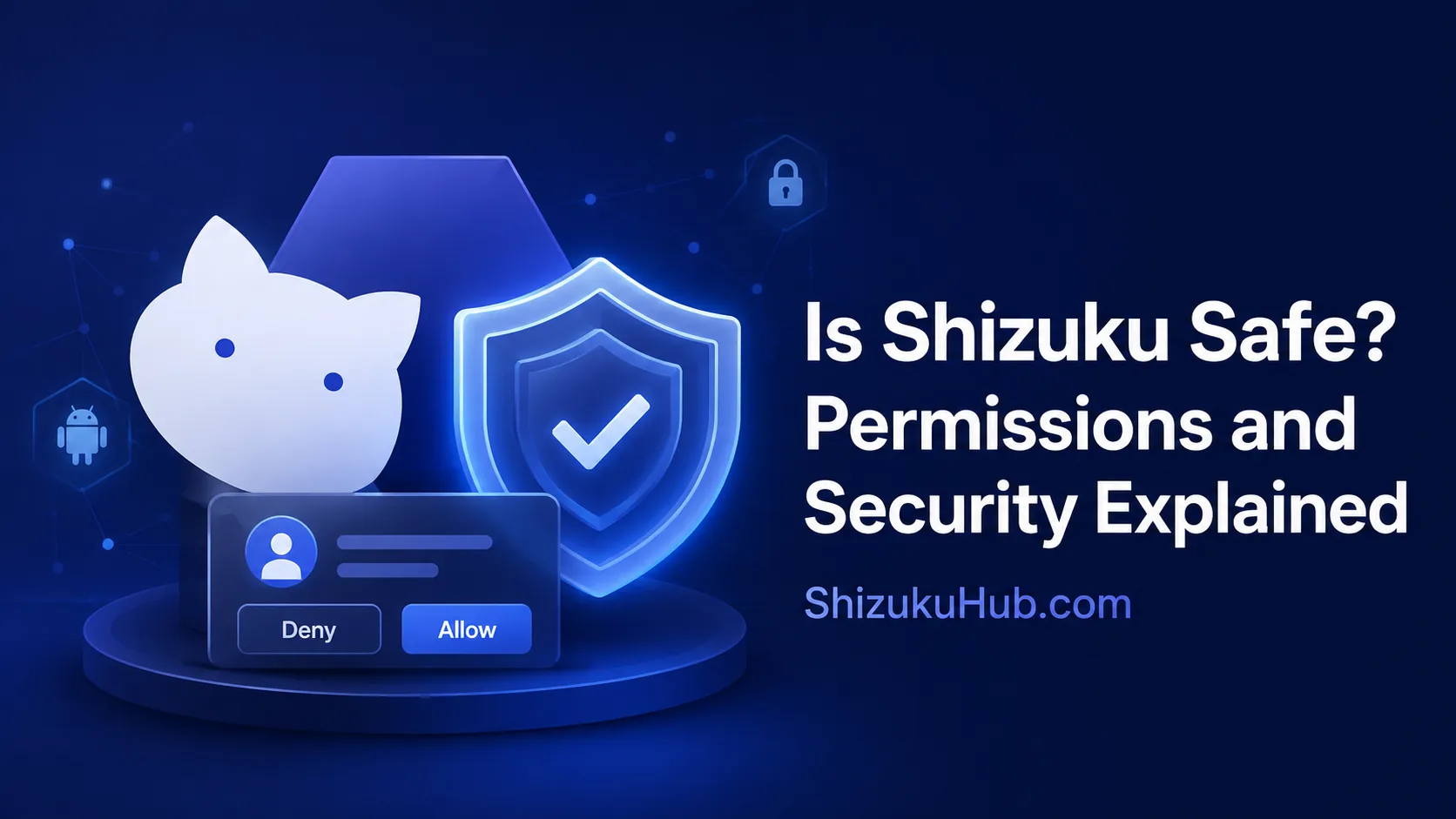
Yes, Shizuku itself is a legitimate open-source Android utility, but using it safely depends on the APK source and the apps you authorize. In its common no-root mode, Shizuku runs with Android’s ADB shell privileges. This is more powerful than normal app access, but it is still below full root.
Shizuku does not automatically give every installed app elevated access. A compatible app must request authorization, and Shizuku shows an approval prompt. You can deny the request or revoke an earlier approval. The main security decision is therefore not only whether you trust Shizuku, but whether you trust each app that receives Shizuku access.
The APK provided on ShizukuHub is checked for the expected package and version, scanned with VirusTotal, and tested on compatible Android devices before publication. These checks reduce download risk, while careful authorization remains essential after installation.
How Shizuku’s security model works
Android normally places every app inside its own sandbox. An ordinary app cannot freely call protected system services or perform ADB-level package operations. Shizuku starts a privileged service and lets compatible apps communicate with selected Android system APIs through that service.
When Shizuku starts through wireless debugging or computer ADB, the service normally runs as Android’s shell user, commonly UID 2000. When started on an already rooted phone, the service can run with root-level capability. These modes have different risk ceilings and should not be treated as identical.
A companion app must also support the Shizuku API or use a supported shell workflow. Merely installing Shizuku does not silently upgrade every app on the phone.
01
Normal App Access
Limited by the app sandbox, granted Android permissions, storage rules, and the APIs available to ordinary third-party apps.
02
ADB-Mode Shizuku
Gives an authorized app access to operations available to the Android shell user. SELinux, OEM policy, and shell permission limits still apply.
03
Root-Mode Shizuku
Can provide much broader capability because the Shizuku service itself runs as root. Every authorization decision has a larger potential impact.
What permission does Shizuku give to apps?
Shizuku authorization is different from a normal Android runtime permission such as camera, microphone, or location. It lets a compatible app communicate with the running Shizuku service and request operations at that service’s privilege level.
- Package management: supported apps may disable, uninstall for the current user, reinstall retained packages, or query package details.
- Permission and settings changes: an app may request ADB-level permission grants or supported settings operations.
- File and shell workflows: compatible tools may perform tasks that normal app storage access cannot complete.
- System service calls: apps can use selected Android system APIs through Shizuku instead of running every action through a separate ADB command.
The exact capability depends on the companion app, Android version, manufacturer restrictions, and whether Shizuku was started through ADB or root. Review our Shizuku permission manager explanation for the difference between Android permissions and Shizuku authorization.
What Shizuku does not do automatically
- It does not root an unrooted phone.
- It does not unlock the bootloader.
- It does not approve every companion app by default.
- It does not bypass every Android or SELinux restriction.
- It does not keep an ADB-started service running after reboot.
What an authorized app may do
- Change packages, permissions, or selected system settings.
- Run supported shell-level operations.
- Perform actions that may affect other apps or the current Android user.
- Cause data loss or instability if its functions are misused.
- Gain wider impact when the Shizuku backend is running as root.
A safe Shizuku permission workflow
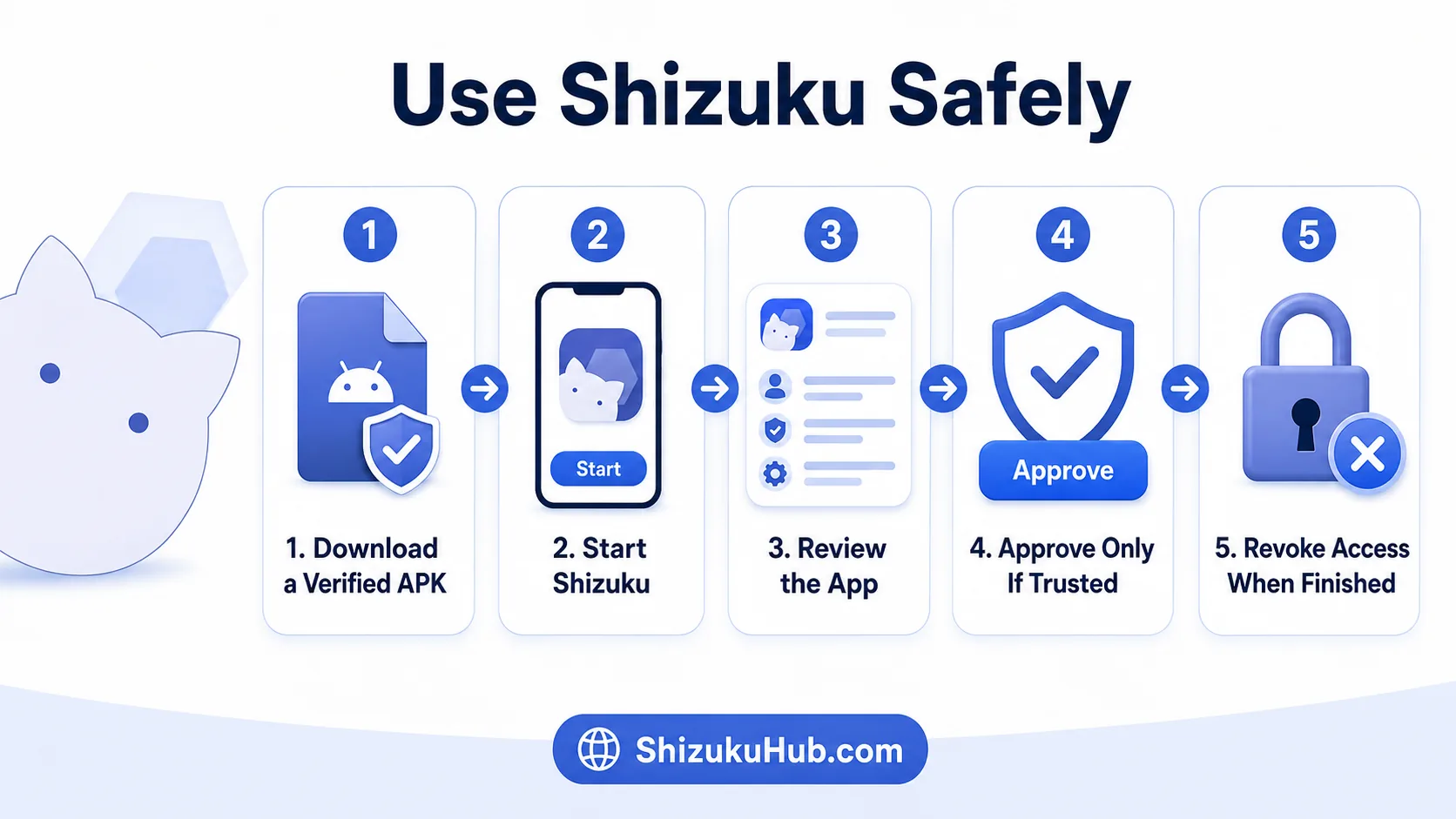
Use a deliberate approval process instead of tapping Allow automatically. Check the app name and purpose, approve only the access required for the task, and revoke access when you no longer use the app.
Verify Before Installing
Use the Shizuku APK offered on this site, check the expected filename and version details, and avoid renamed mod, premium, or repacked files.
Review Every Request
Confirm that the requesting app is the one you opened and that its stated function genuinely needs package, permission, file, or shell-level access.
Revoke Unused Access
Open Shizuku, review authorized applications, and remove approval from tools you no longer use, no longer trust, or installed only for a one-time task.
How to review and revoke Shizuku access
- Open the Shizuku app.
- Open the section that lists authorized applications.
- Review every app name and remove access from anything unfamiliar or no longer needed.
- Uninstall companion apps you do not trust.
- Stop Shizuku if you have finished the privileged task and do not need the service running.
Revoking Shizuku authorization prevents that app from using the service until you approve it again. It does not automatically reverse package removals, settings changes, or other actions the app already completed.
Is wireless debugging safe with Shizuku?
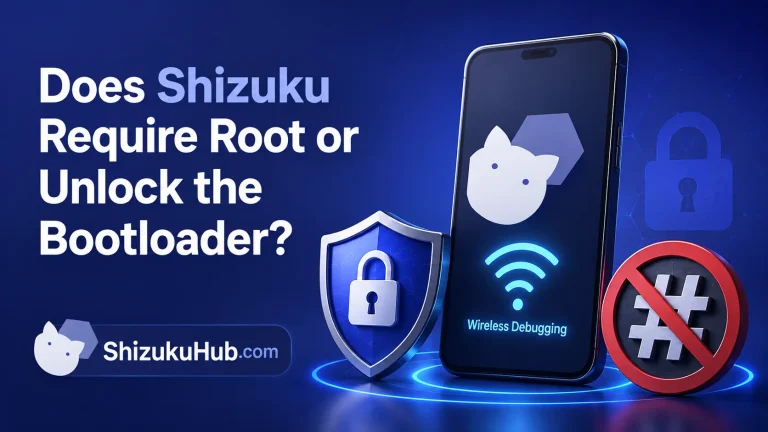
Wireless debugging is an Android developer feature that allows ADB pairing and connections over the local network. Shizuku uses it for an on-device startup method on Android 11 and newer. Pairing requires a temporary code, but the feature still deserves normal ADB security precautions.
- Pair only on a network you trust.
- Do not share pairing codes or accept an unfamiliar debugging prompt.
- Review paired devices in Android’s Wireless debugging settings.
- Turn wireless debugging off when you do not need it, especially on public networks.
- Keep your phone locked and updated.
If the service stops or a reboot interrupts access, use our Shizuku restart troubleshooting instead of granting access repeatedly to unfamiliar apps.
Normal Behavior
- A clear authorization prompt names the requesting app.
- The app explains why Shizuku is needed.
- Access matches a visible feature you selected.
- You can revoke authorization from Shizuku.
Security Red Flags
- An unknown app requests access immediately.
- The download is advertised as cracked, modded, or premium.
- The app asks for unrelated passwords or payment details.
- Its purpose does not justify privileged operations.
- It discourages you from reviewing or revoking access.
Privacy, app data, and the Android sandbox
ADB-mode Shizuku does not automatically provide unlimited access to every app’s private data. Android’s UID isolation, filesystem permissions, SELinux policy, scoped storage rules, and manufacturer changes continue to limit the shell user.
However, shell-level access can still expose package information, selected files, settings, logs, and system services that ordinary apps cannot reach. Follow the principle of least privilege: authorize only the apps that need Shizuku and only for as long as you need them. OWASP’s Android app permissions guidance explains why privileged access should be minimized and justified by the app’s function.
For compatible tools with a clear purpose, browse our curated list of Shizuku supported apps before installing an unfamiliar alternative.
Is Shizuku safe on a rooted phone?
Shizuku can start through root on an already rooted device. In this mode, compatible apps may be able to request operations through a root-backed service rather than the more limited ADB shell user. That increases both usefulness and potential impact.
On a rooted phone, review every Shizuku authorization as carefully as a superuser request. Use trusted apps, maintain backups, and understand the exact operation before approving it. Our Shizuku vs Root comparison explains the different access ceilings and security tradeoffs.
Shizuku safety checklist
| Check | Safer Choice | Risky Choice |
|---|---|---|
| APK source | Verified, scanned, expected package | Unknown mirror or repacked build |
| Companion app | Known purpose and active development | Unknown app with vague claims |
| Authorization | Approve only when the feature needs it | Approve every prompt automatically |
| Wireless debugging | Trusted network and reviewed pairings | Public network and unfamiliar prompts |
| Unused access | Revoke and uninstall when finished | Leave every app authorized indefinitely |
| Root mode | Use only for a specific trusted need | Treat it like ordinary ADB-mode access |
Frequently asked questions
Download and use Shizuku with confidence
Install the verified APK, start Shizuku with the method supported by your Android version, and approve only the companion apps you understand and trust.