ANDROID ACCESS • COMMAND LINE • APP-FRIENDLY SERVICE
Shizuku vs ADB: What Is the Difference?
ADB is a direct command-line bridge, while Shizuku turns ADB-level or root privileges into a reusable service for compatible Android apps. They overlap, but they are not the same tool and they do not replace each other in every situation.
Shizuku vs ADB: the short answer
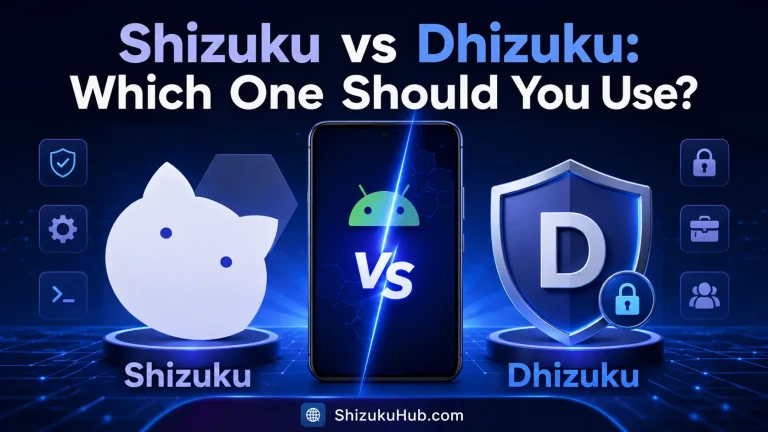
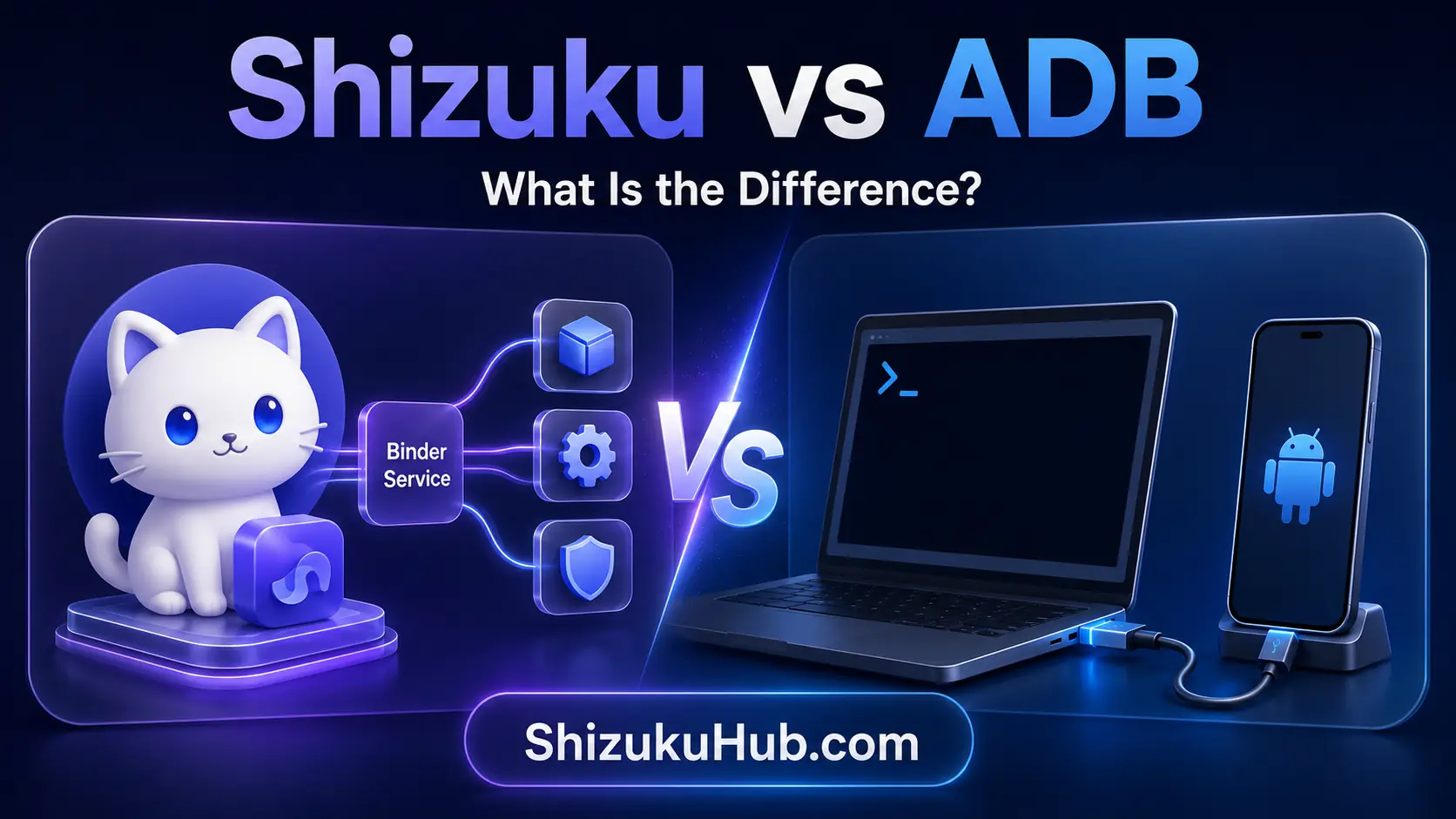
ADB and Shizuku both provide access beyond the limits of an ordinary Android app, but they solve different problems. Android Debug Bridge is a general communication and command tool. Shizuku is a service that lets compatible apps use selected system APIs with ADB-level or root privileges.
Think of ADB as the direct toolbox and Shizuku as a controlled bridge between that toolbox’s privilege level and an Android app. If your goal is to enter a one-time terminal command, inspect logs, transfer files, or automate a device from a computer, ADB is the better fit. If you want to debloat, manage permissions, install split APKs, or access protected folders through an app interface, Shizuku is usually more convenient.
1
ADB
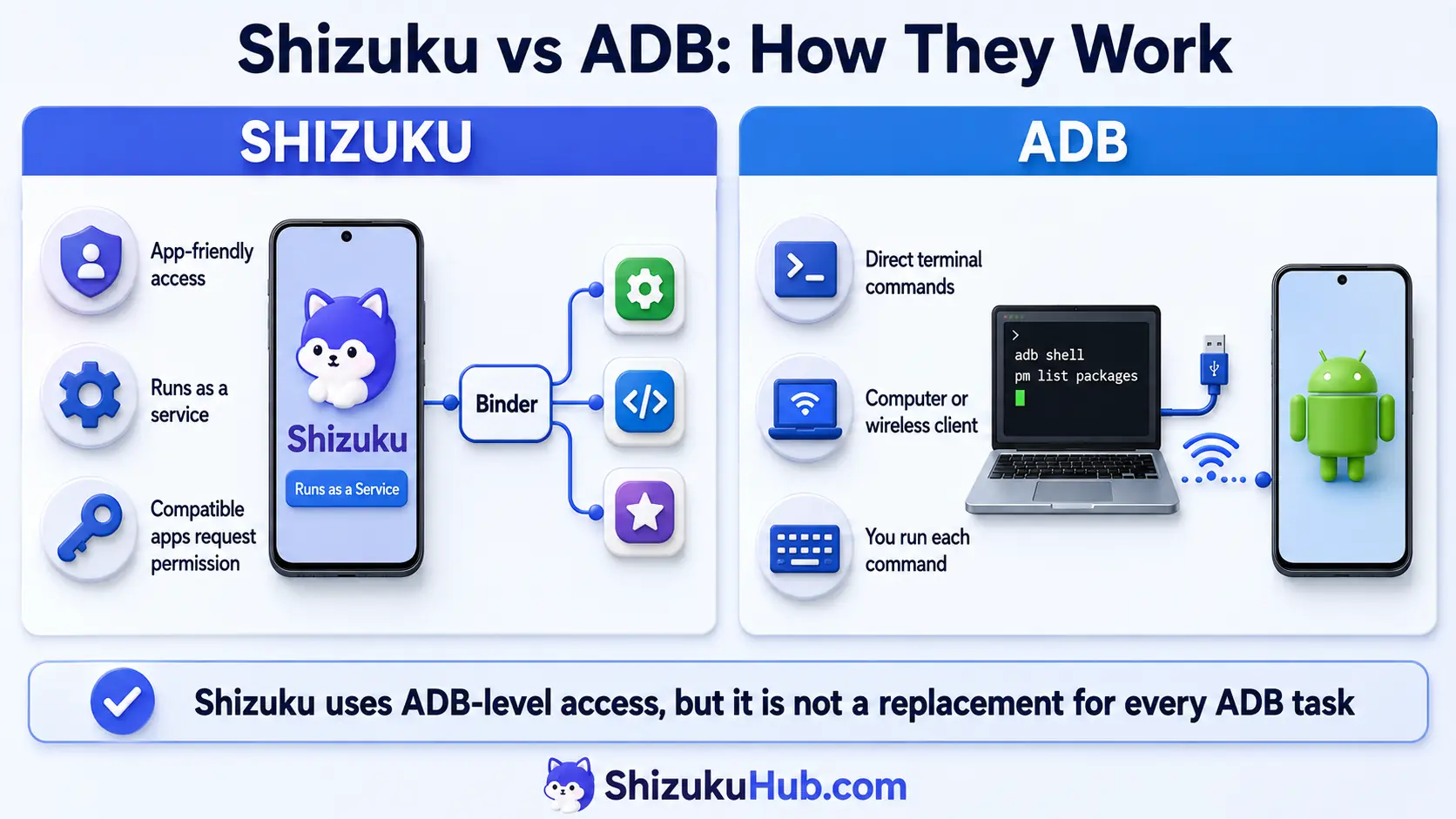
A command-line tool that connects a computer or wireless client to Android. You run commands for installing apps, opening a shell, moving files, reading logs, and managing packages.
2
Shizuku
An on-device service and API bridge. Once started, compatible apps request permission and perform supported operations through their own interfaces.
3
The Relationship
Wireless debugging or computer ADB can start Shizuku. After startup, Shizuku keeps the privileged service available until Android stops it or the phone reboots.
Shizuku vs ADB comparison table
The table below shows the practical differences that matter most to everyday users. Neither option is universally better. The right choice depends on whether you want a reusable app workflow or direct command-line control.
| Area | Shizuku | ADB |
|---|---|---|
| Primary interface | Android apps with graphical interfaces | Terminal or command prompt |
| Who performs the action | A compatible app after user approval | The user types and runs a command |
| Connection needed | Only for service startup in no-root mode | Needed while issuing direct commands |
| Computer required | No on Android 11+ with wireless debugging | Usually yes, unless using an on-device ADB client |
| Access level | ADB shell or root, depending on startup method | ADB shell on a normal authorized device |
| Best for | Repeatable app-based management | Development, diagnostics, scripting, file transfer, and one-time commands |
| After reboot | No-root service must be started again | Reconnect or re-enable wireless debugging as needed |
How ADB works
ADB, short for Android Debug Bridge, is part of Google’s Android platform tools. It uses a client-server design: the command you type is sent through the ADB server to the ADB daemon running on the connected Android device. The device must authorize the debugging connection before commands are accepted.
Once connected, ADB can open an interactive shell, install APK files, list packages, grant eligible permissions, copy files, capture screenshots, read logs, forward ports, and target a particular phone or emulator. You remain responsible for selecting the device and entering the correct syntax. A mistyped package name or command can affect the wrong app, so direct ADB rewards accuracy.
Our Start Shizuku with ADB walkthrough covers the exact connection and service-start process when you want to use ADB specifically as Shizuku’s launcher.
How Shizuku works
Shizuku starts a Java service with either ADB shell privileges or root privileges. A compatible app connects to that service through Android Binder. Instead of parsing terminal output for every operation, the app can call supported Android system APIs more directly and present the result through buttons, lists, toggles, and permission dialogs.
This design is why Shizuku feels different from a terminal even though its no-root service is commonly started through ADB or wireless debugging. Shizuku does not make every app privileged. Each compatible app must support the Shizuku API, request access, and receive your approval. You can review or revoke authorized apps from Shizuku.
Explore the Shizuku supported apps collection to see which tools can use this service for debloating, app management, file access, installers, local shells, and device customization.
Shizuku and ADB workflow at a glance
This infographic shows the core architectural difference. Shizuku keeps an on-device service available to approved companion apps, while direct ADB sends the commands you issue from a terminal client.
Is Shizuku based on ADB?
Shizuku can be started with ADB, but it is more than a shortcut for typing ADB commands. During no-root startup, ADB launches the Shizuku service under Android’s shell identity. Compatible apps then communicate with that service through Binder and supported system APIs.
On Android 11 and newer, Shizuku wireless debugging performs the ADB pairing and startup on the phone. On older or incompatible devices, computer ADB can launch the same service. If the phone is already rooted, Shizuku can start with root instead, which may provide broader privileges.
The important distinction is that ADB is a transport and command environment, while Shizuku is an application-facing service layer. Starting Shizuku does not remove ADB from Android, and uninstalling Shizuku does not remove ADB either.
What Shizuku can and cannot replace
Shizuku can reduce the need to repeat common ADB package and permission commands, provided a compatible app exposes the feature. It does not attempt to reproduce every development, diagnostic, recovery, and file-transfer function in ADB.
| Task | Shizuku | Direct ADB |
|---|---|---|
| Use supported app features | Excellent | Possible only if you know equivalent commands |
| Install or manage packages | Supported by compatible apps | Yes with install and package-manager commands |
| Grant or revoke eligible permissions | Supported by permission tools | Yes with package-manager commands |
| Read logcat | Only through apps built for it | Yes |
| Push and pull files | Not a general replacement | Yes |
| Capture screenshots or screen recordings | Only through a compatible app | Yes |
| Run arbitrary shell commands | Through apps such as local shells, within limits | Yes, directly |
| Automate scripts from a computer | Limited by the selected app | Excellent |
| Use Android system APIs through Binder | Core strength for compatible apps | ADB normally exposes shell commands rather than an app API |
Should you use Shizuku or ADB?
Choose according to the task rather than treating the tools as rivals. For many Android enthusiasts, the best setup includes both.
✓
Choose Shizuku When
You prefer a normal Android interface, use the same management task repeatedly, want per-app approval, or need a supported app such as a debloater, permission manager, installer, or file manager.
>_
Choose ADB When
You need logs, file transfer, screenshots, device targeting, automated scripts, development tools, recovery troubleshooting, or a command that no Shizuku app exposes.
↔
Use Both When
You want ADB for initial setup and occasional advanced work, while Shizuku handles routine on-device tasks through compatible companion apps.
Setup requirements for each method
The startup path changes the equipment you need, but it does not change the basic distinction between an app-friendly Shizuku service and direct ADB commands.
01
Shizuku Through Wireless Debugging
Android 11 or newer, Developer Options, USB debugging, wireless debugging, one-time pairing, and service startup after each reboot.
02
Shizuku Through Computer ADB
Android platform tools on Windows, macOS, or Linux, USB debugging authorization, a data cable or network ADB connection, and the Shizuku startup command.
03
Direct ADB
Platform tools or an on-device ADB client, debugging enabled, an authorized connection, and the exact command required for the task.
Permissions and access level
Neither ordinary ADB shell access nor no-root Shizuku is the same as full root. The Android shell identity has more privileges than a normal application sandbox, but SELinux policy, Android version, user restrictions, and manufacturer changes still limit what it can do. Some Xiaomi, POCO, OPPO, OnePlus, and other devices require extra Developer Options before particular commands work.
Shizuku adds an app-level approval layer. A supported app asks you to authorize access, and you decide whether to approve it. Direct ADB instead relies on the device-level RSA authorization granted to the connected computer or wireless client. This does not make one method automatically safe in every circumstance. Only approve computers and apps you trust, and understand the operation before applying it.
The OWASP Mobile Application Security guidance explains why debugging capabilities can expand an app or device attack surface. For everyday use, disable debugging features you no longer need, remove old computer authorizations, and revoke Shizuku access from companion apps you no longer use.
Performance and convenience
ADB is efficient for targeted commands and excellent for scripts. Its friction appears when the same multi-step task must be repeated: locate a package name, type the command, read text output, and run the next command. Shizuku lets an app package those steps into a clearer interface and use Binder calls instead of repeatedly launching shell utilities.
That convenience does not guarantee a better result. A poorly designed companion app can still be confusing, and a direct ADB script can be faster for an experienced user. Shizuku is strongest when the app developer has built a careful workflow around the API and explains exactly what each action changes.
What happens after a reboot?
Shizuku’s no-root service does not survive a normal phone reboot. On Android 11 or newer, reopen Shizuku and start the service through wireless debugging. With the computer method, reconnect and run the startup command again. Pairing often remains saved, but wireless debugging availability and manufacturer behavior can vary.
Direct ADB is not a permanently open terminal session either. After a reboot, cable change, authorization reset, or wireless debugging reset, you may need to reconnect and approve the client again. If your service stops unexpectedly without rebooting, follow the fixes in Shizuku not running after reboot.
Common Shizuku vs ADB misunderstandings
Shizuku does not grant ADB access to every app
Only apps built with Shizuku support can request its service, and they still need your approval. Installing Shizuku alone does not change ordinary app permissions.
ADB does not require root
Standard ADB shell access works on an unrooted phone after USB debugging or wireless debugging is enabled and authorized. Root is needed only for commands and files beyond the shell user’s permitted scope.
Shizuku does not remove the need for every computer task
Shizuku can run completely on-device on Android 11 and newer, but a computer remains useful for platform tools, logs, automation, file transfer, recovery work, and troubleshooting a broken wireless pairing flow.
Both methods can be limited by the manufacturer
Android vendors can restrict shell permissions, stop background services, reset Developer Options, or add security toggles. A command or companion app that works on one phone may need an extra setting or may be unavailable on another.
Real-world examples
- Debloating: ADB can disable or uninstall a package for the current user with a precise command. A Shizuku debloater can identify packages, explain risk levels, and apply the same type of supported operation through a list.
- Permission management: ADB can grant or revoke eligible permissions using package-manager commands. A Shizuku permission manager can organize apps and permissions visually.
- Protected folder access: A compatible Shizuku file manager can request the service and expose allowed Android/data or OBB operations. Direct ADB can move files through push, pull, or shell commands.
- Diagnostics: Direct ADB is usually better for logcat, bug reports, device targeting, screenshots, and repeatable desktop scripts.
- Local shell: Apps such as aShell or rish can provide on-device command access through Shizuku, but direct ADB remains the broader standard toolkit for development and automation.
For a broader task list, see what you can do with Shizuku and compare it with the direct ADB capabilities above.
Shizuku vs ADB FAQs
Use Shizuku for app-friendly Android management
Download Shizuku, choose wireless debugging or computer ADB for startup, and approve only the compatible apps you trust.