ANDROID ACCESS • PRIVILEGES • SECURITY
Shizuku vs Root: Differences, Access and Safety
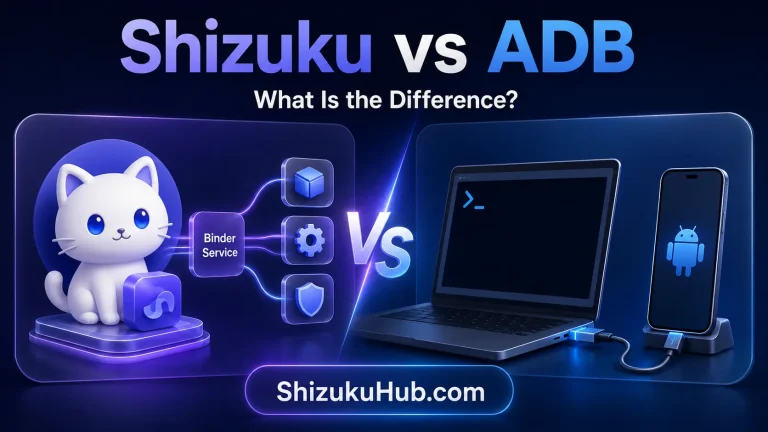
Shizuku and root both let Android tools perform tasks that ordinary apps cannot, but they use different privilege levels, setup methods, security boundaries, and reboot behavior. This comparison explains what each option can actually do and which one fits your use case.
Shizuku vs Root: the short answer
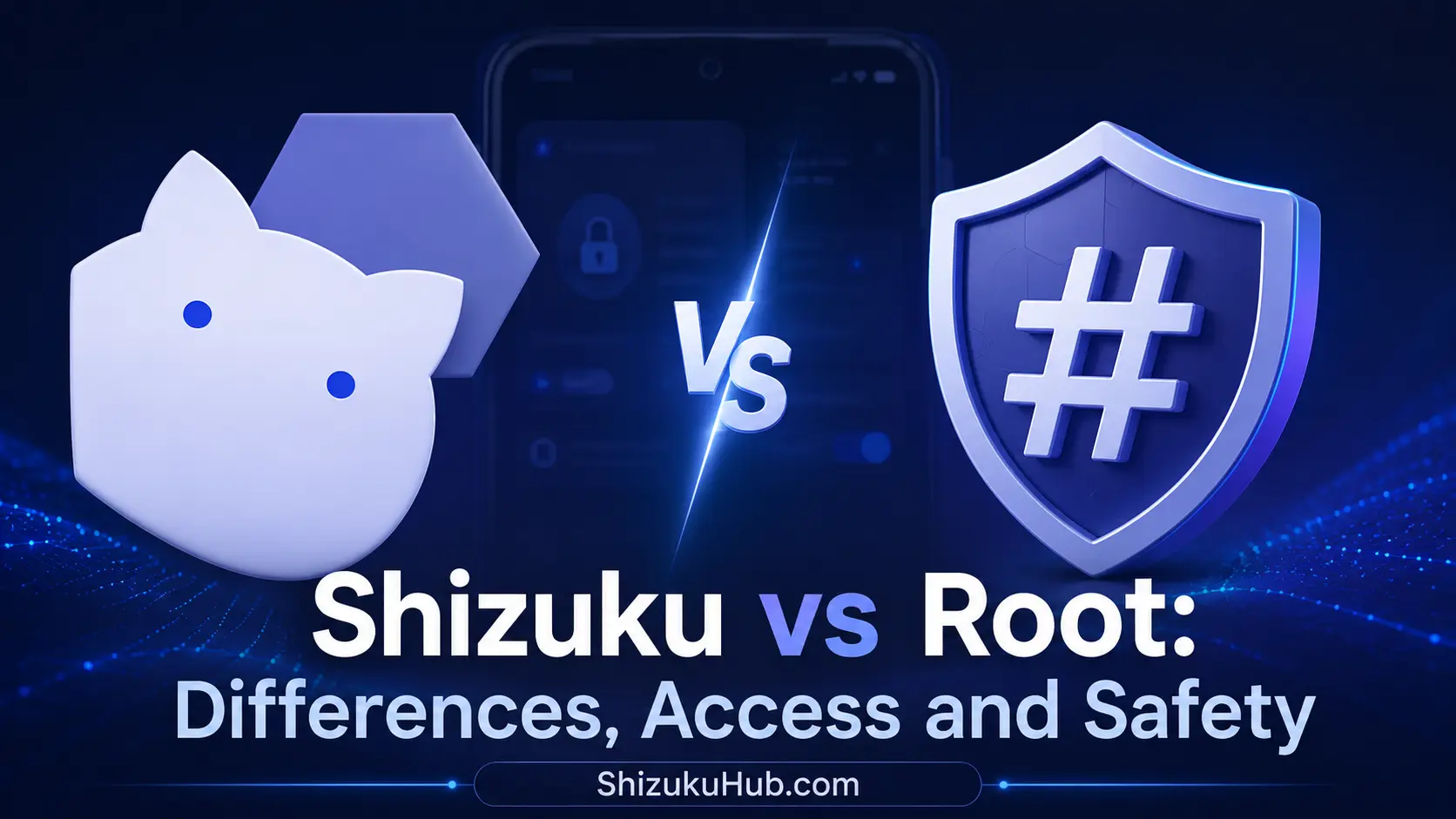
Shizuku is the better starting point for most users who need ADB-level capabilities without permanently rooting the phone. It can power compatible apps for package management, permissions, file access, automation, and system settings. When started through ADB or wireless debugging, it normally works as Android’s shell user.
Root is for tasks that genuinely require superuser access. It can reach more of the operating system, support root-only modules, and remain available after boot when configured properly. That power also increases the impact of a bad command, malicious module, or poorly designed app.
What Shizuku changes
Shizuku runs a service with ADB shell or root privileges and exposes controlled APIs to compatible apps. An app asks for Shizuku authorization, which the user can approve or deny. In the common no-root setup, the bootloader remains locked and the system partition is not patched.
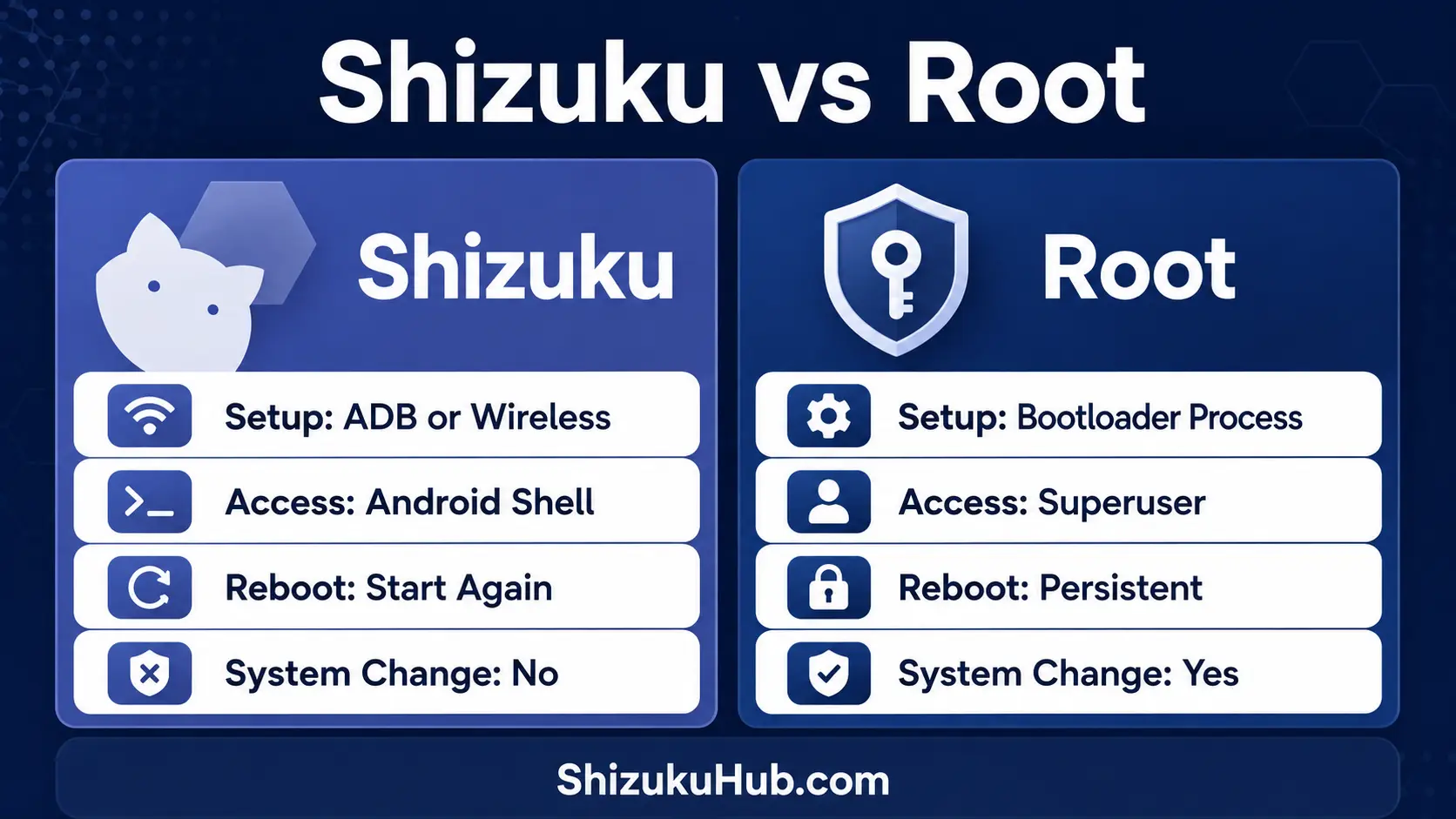
The service can start through wireless debugging on Android 11 and newer or through computer ADB. Learn the full Shizuku without root process. Because Android stops the ADB-started service at reboot, it must be started again.
What rooting changes
Rooting gives a superuser manager and approved processes access to UID 0. Modern root methods often modify the boot image or startup chain instead of writing directly to the system partition, but the device security state and trust model still change.
Depending on the phone, unlocking the bootloader can erase data, show an unlocked-device warning, affect verified boot, complicate updates, or trigger integrity checks used by banking, work-profile, media, and game apps.
Shizuku vs Root comparison table
| Area | Shizuku through ADB | Root |
|---|---|---|
| Privilege level | Android shell user, commonly UID 2000 | Superuser, UID 0 |
| Bootloader unlock | Not required | Commonly required on modern phones |
| System or boot modification | No permanent modification for ADB mode | Usually modifies the boot process or image |
| After reboot | Start the service again | Can start automatically when configured |
| App compatibility | Only Shizuku-aware apps or rish workflows | Root-aware apps and modules |
| Access ceiling | Limited by shell permissions, SELinux, and OEM policy | Much broader, though SELinux and implementation still matter |
| Reversibility | Stop the service or revoke app authorization | Unrooting may require restoring boot images and app state |
| Risk level | Lower than root, but privileged actions can still cause damage | Higher because approved apps can make system-wide changes |
| Best for | ADB-level tasks without root | Root-only modules and deep system control |
Access differences in real Android tasks
App and package management
Shizuku is sufficient for many package-manager operations, including disabling, uninstalling for the current user, reinstalling retained packages, and granting supported permissions. Apps such as Canta and Hail use this controlled path. Browse our tested Shizuku supported apps to see practical examples.
Private app data and protected partitions
ADB shell access does not automatically grant access to every app’s private data or every protected filesystem location. Root can cross far more of those boundaries. Android’s application sandbox documentation explains that each app receives a unique UID and is isolated at the kernel level. Root can bypass many normal UID restrictions, while Shizuku’s ADB mode remains below root.
Modules, kernels, and system hooks
Shizuku cannot load root modules, replace kernels, provide superuser access to arbitrary root apps, or perform tasks that explicitly require UID 0. Root is the appropriate technical requirement when a trusted tool genuinely depends on those capabilities.
Permissions and settings
Shizuku can grant selected ADB-level permissions and let apps invoke supported system services. It does not turn every Android permission into an available option. Our Shizuku permission manager explanation shows how app authorization differs from Android runtime permissions.
Smaller Setup Change
ADB-mode Shizuku does not need bootloader unlocking or a patched boot image. Stopping the service returns compatible apps to normal access until Shizuku is started again.
Authorization Still Matters
A Shizuku-authorized app can perform meaningful ADB-level operations. Approve only apps you recognize, review authorized apps, and revoke access you no longer need.
Root Has a Wider Impact
A root-approved app can alter system-wide files, settings, and startup behavior. Backups, verified downloads, precise permissions, and recovery knowledge become more important.
Should you choose Shizuku or Root?
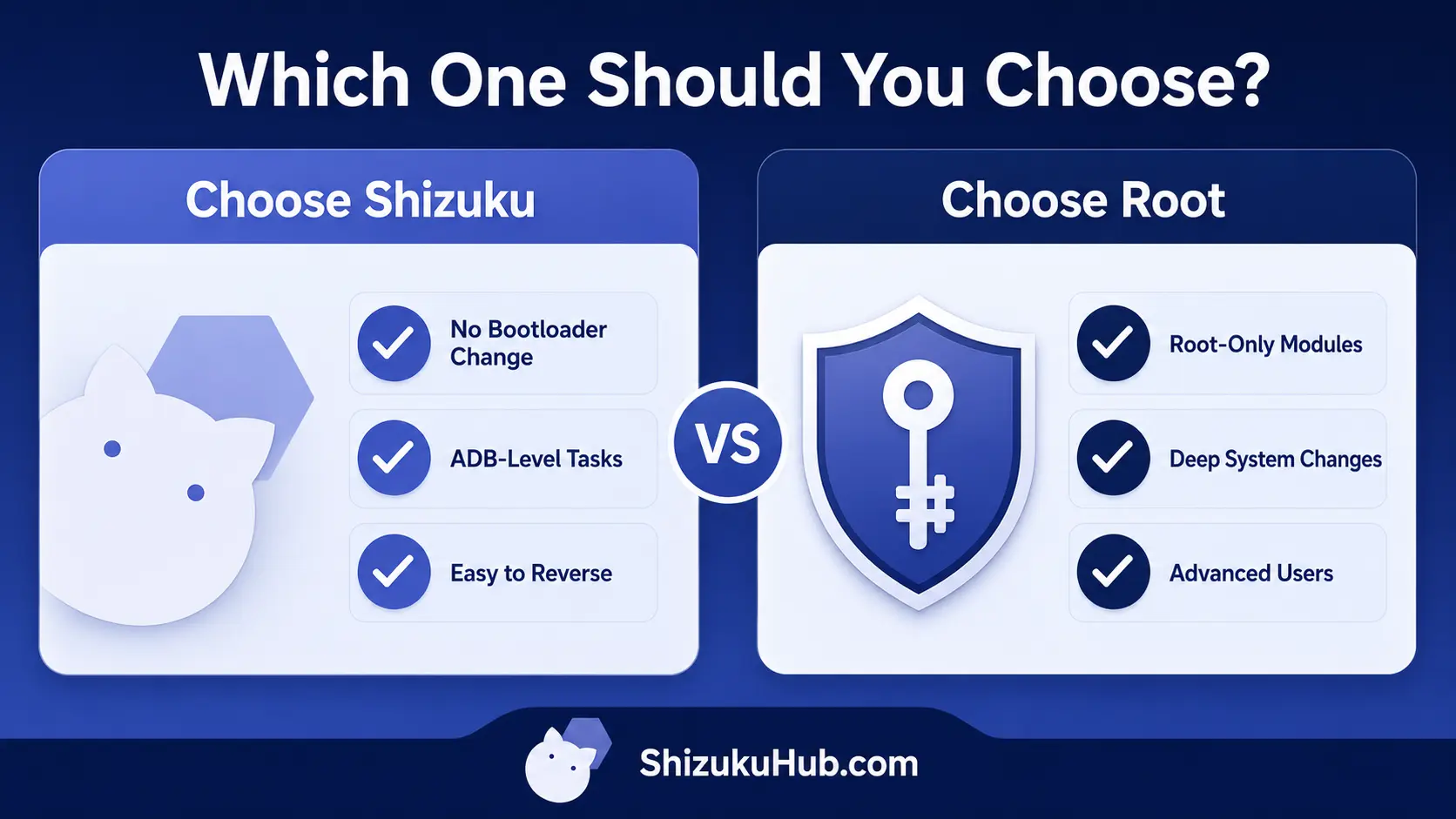
Choose Shizuku when:
- Your task is supported by a Shizuku-compatible app.
- You want ADB-level package, permission, file, or settings access.
- You do not want to unlock the bootloader or patch a boot image.
- You accept restarting the service after a reboot.
- You prefer a setup that is easy to stop and reverse.
Choose Root when:
- A required and trusted app explicitly needs root rather than ADB shell.
- You need root modules, kernel-level changes, or deep system hooks.
- You understand bootloader unlocking, backups, updates, integrity checks, and recovery.
- You accept the wider security impact of granting superuser access.
Do not root a phone merely because Shizuku must be restarted after reboot. Use our restart troubleshooting steps first. Root should solve a specific root-only requirement, not serve as a default upgrade from Shizuku.
Common Shizuku vs Root misconceptions
Shizuku is not temporary root
ADB-started Shizuku uses the shell user’s privileges. Shell is more capable than an ordinary third-party app but remains below UID 0 and cannot perform every root-only operation.
Root is not automatically unsafe
A carefully maintained rooted device can be used responsibly. The important difference is exposure: a root permission decision has a larger potential impact than a Shizuku authorization because root reaches more of the system.
Shizuku does not guarantee every app will work
The app must support Shizuku or invoke rish correctly, and the requested operation must be permitted to the service’s privilege level. Android and manufacturer restrictions still apply.
A rooted phone can also run Shizuku
These options are not mutually exclusive. On a rooted phone, Shizuku can start through root and provide its API to compatible apps. In that configuration, the service’s effective power is different from ADB-mode Shizuku, so authorization deserves extra care.
Frequently asked questions
Try Shizuku before considering root
For supported ADB-level tasks, Shizuku gives useful control without bootloader unlocking or a permanent root setup.