ANDROID PRIVILEGE TOOLS • ADB • DEVICE OWNER • ROOT
Best Shizuku Alternatives for Android
The best Shizuku alternative depends on the privilege model your app needs. Compare computer ADB, LADB, Dhizuku, Bugjaeger, Sui, Magisk, Termux tools, and Brevent by setup, root access, reboot behavior, compatibility, and real use cases.
Best Shizuku alternatives: quick answer
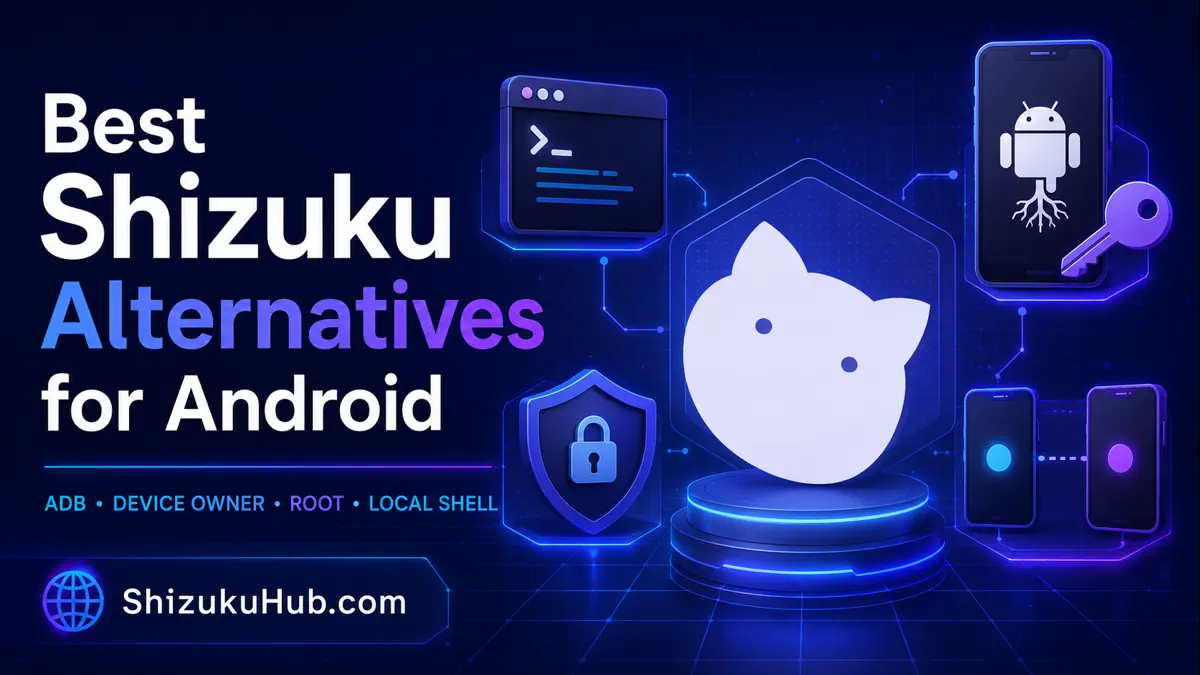
Computer ADB is the best general no-root fallback when you need direct shell commands or one-time package operations. LADB is the strongest on-device local shell choice for Android 11 and newer. Dhizuku is better for apps that explicitly need Device Owner policies. Bugjaeger is useful when one Android device must control another. Sui keeps Shizuku API compatibility on rooted devices, while Magisk offers broader root access.
There is no universal drop-in replacement. An app built only for the Shizuku API will not automatically work with ADB, Dhizuku, or root. Check the backend supported by the app before changing your setup.
Computer ADB
Best overall fallback. A computer runs Android Debug Bridge commands over USB or Wi-Fi. It needs no root and works on a wide range of Android versions.
Best for: debloating, package commands, permissions, logs, file transfer, and troubleshooting.
Limitation: a computer and initial USB debugging authorization are normally required.
LADB Local Shell
Best no-PC local shell. LADB bundles an ADB server on the phone and pairs with Android Wireless Debugging, allowing commands from the same device.
Best for: users who need occasional ADB commands without keeping a computer nearby.
Limitation: setup can be finicky, and the LADB project notes a conflict with Shizuku.
Dhizuku
Best for Device Owner APIs. Dhizuku shares selected Android device-management capabilities with compatible apps.
Best for: persistent managed restrictions, app suspension, and DevicePolicyManager features.
Limitation: strict provisioning, smaller app support, and no general ADB shell. Read our Shizuku vs Dhizuku comparison.
Bugjaeger Mobile ADB
Best Android-to-Android ADB tool. Bugjaeger can connect to another Android device through USB OTG or Wi-Fi and provide a shell, package actions, logs, screenshots, sideloading, and file tools.
Best for: phones, tablets, Android TV, and devices that are easier to manage from a second Android phone.
Limitation: it controls a target device and does not turn ordinary apps on the controller into Shizuku clients.
Sui
Best rooted Shizuku-compatible backend. Sui is designed to provide the Shizuku API in a rooted environment, making it useful for compatible apps on Magisk-based devices.
Best for: rooted users who want familiar Shizuku API compatibility with a root-backed service.
Limitation: root and a compatible Magisk environment are required. It is not a no-root alternative.
Magisk and Root
Best for maximum control. Root can reach areas that ADB shell, Device Owner, and ordinary Shizuku mode cannot.
Best for: system modifications, root-only modules, automation, and apps designed for superuser access.
Limitation: bootloader unlocking, security tradeoffs, update complexity, and possible device-integrity problems. Compare the access levels in Shizuku vs root.
Termux with ADB Tools
Power users can run Android platform tools or remote ADB workflows from Termux. This is flexible for scripts and repeatable commands, but setup varies by Android version and package source. If your goal is a Shizuku-powered shell, our Termux and rish walkthrough is usually simpler.
Brevent
Brevent is a focused alternative when your only goal is stopping unwanted background behavior. It can place apps in standby or force-stop them without permanent root after debugging-based setup. It is not a universal Shizuku replacement for file access, installers, terminals, or permission managers.
Shizuku alternatives comparison table
| Alternative | Root | Computer | After reboot | Best use | Main limitation |
|---|---|---|---|---|---|
| Computer ADB | No | Yes | Reconnect when needed | General shell and packages | Needs another device |
| LADB | No | No | Pair or restart as required | Local ADB shell | Setup and Shizuku conflict |
| Dhizuku | No | Usually for provisioning | Device Owner persists | Managed device policies | Strict setup and app support |
| Bugjaeger | No | No PC | Reconnect target | Android-to-Android ADB | Needs a second Android device |
| Sui | Yes | No after setup | Root-backed startup | Shizuku API on rooted phones | Requires root |
| Magisk/root | Yes | Setup may require one | Can persist | Maximum system control | Highest risk and complexity |
| Termux + ADB | Varies | No for local/remote setups | Reconnect or rerun | Scripts and terminal work | Technical setup |
| Brevent | No | May be needed for activation | May need reactivation | Background app control | Narrow purpose |
How to choose the right alternative
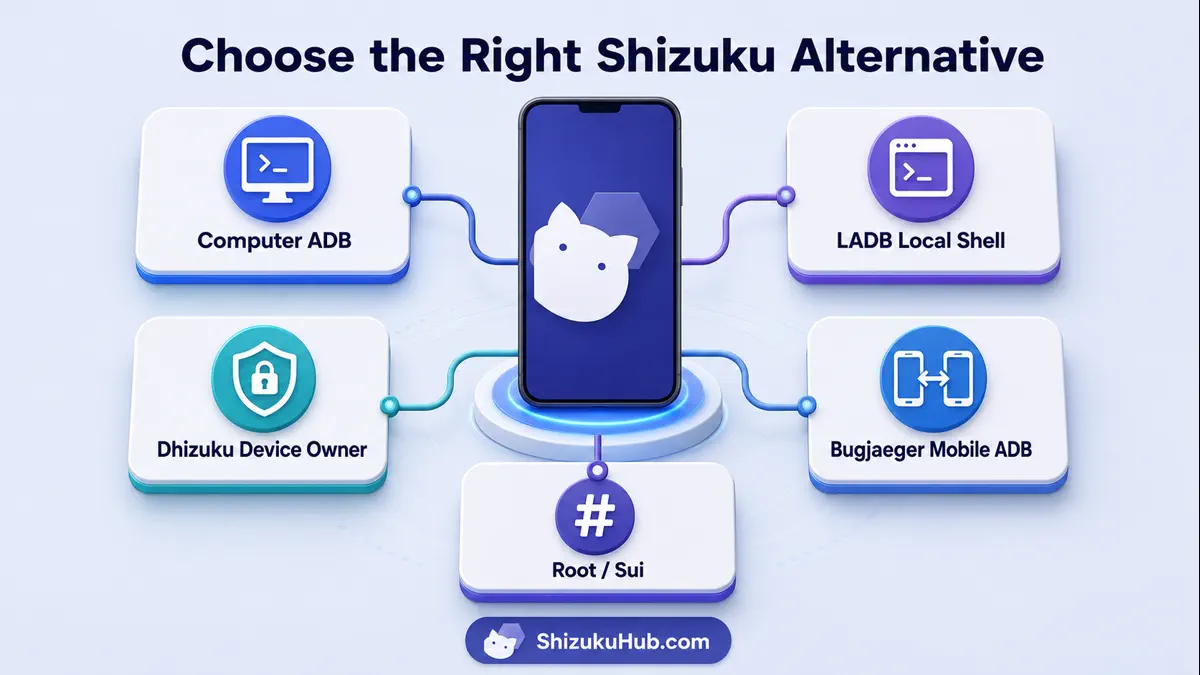
- Check app compatibility first. If the app only supports Shizuku, changing tools will not unlock that integration.
- Identify the required Android role. Shell, Device Owner, and root expose different APIs.
- Choose the least powerful tool that completes the task. Temporary ADB access is often enough for package commands.
- Plan for reboot behavior. ADB-based services and connections may need restarting, while Device Owner and root can persist differently.
- Test with a reversible task. Confirm the command and package name before uninstalling, disabling, or changing policies.
For a standard no-root setup, start with Shizuku without root. If pairing is unreliable, use computer ADB startup or troubleshoot wireless debugging before replacing the entire workflow.
Debloating and Packages
Use Shizuku when the debloater supports it. Use computer ADB for direct package commands. Dhizuku is only the better choice when the app specifically uses Device Owner policies.
Shell Commands
Choose computer ADB for reliability, LADB for same-phone commands, Bugjaeger for another Android target, or Termux for scripting. Dhizuku is not a general shell.
Rooted Devices
Choose Sui when Shizuku API compatibility matters. Choose Magisk/root when the task genuinely requires superuser access outside the shell or Device Owner boundary.
Compatibility and safety checks
Shizuku, ADB, Device Owner, and root are different trust models. Grant only the access needed for the task, review commands before running them, verify package names, and keep a way to reverse changes. The OWASP Mobile Application Security guidance reinforces the principle of minimizing sensitive access and protecting device data.
- Download apps and tools from sources you trust and scan files before installation.
- Do not assume root, shell, and Device Owner permissions are interchangeable.
- Back up important data before disabling packages or changing management policies.
- Revoke Shizuku authorization, ADB computers, root grants, or Device Owner access when no longer needed.
Before switching, check whether your app is already listed among Shizuku supported apps. Keeping the supported backend is usually simpler than rebuilding the workflow around another privilege tool.
Frequently asked questions
Start with the backend your app supports
For most supported apps, Shizuku remains the simplest balance of access, safety, and no-root setup. Use an alternative only when the task needs a different Android privilege model.